How to get rid of adverts on uktv play
UKTV Play is a free, ad-supported service, and as of May 2026 there is no official paid tier that removes adverts entirely. You cannot switch ads off through any setting in the app. What you can do is use a workaround that has been shared in the Samsung Community forum to reduce the number of adverts you sit through per break.
Is there a way to remove ads from UKTV Play?
Not completely. UKTV Play funds itself through advertising, so ads are baked into the service. There is no premium subscription option that strips them out, unlike, say, ITVX Premium or Channel 4 Streaming's paid tier. The realistic goal here is reducing how many ads appear per break, not eliminating them.
One user on the Samsung Community forum put it plainly: "A quick tip for everyone who loves Taskmaster or Red Dwarf on UKTV Play... there's a way to dramatically cut down the adverts you need to sit through per break." The post links to a YouTube video titled 'How to remove ads from UKTV Play - Taskmaster', recorded on a Samsung Q9FN Smart TV.
Does the trick work on Samsung Smart TVs?
The workaround was demonstrated specifically on a Samsung Q9FN, and the video suggests it may carry over to other devices, though that has not been confirmed in writing by either source. If you own a Samsung Smart TV and watch UKTV Play regularly for shows like Taskmaster or Red Dwarf, the method is worth trying.
The technique applies per ad break rather than acting as a global setting. You will likely still see some adverts, just fewer of them each time a break hits.
What about ad blockers on browsers or other devices?
On a desktop browser, a standard ad blocker such as uBlock Origin may interfere with UKTV Play's ad delivery, but the service can detect this and may block playback entirely rather than skip the ads. Results vary and the service can update its detection at any point.
On Roku, Fire TV, iOS and Android, ad blockers are far harder to apply at the app level. DNS-based blockers (set up through your router) occasionally reduce ad frequency on smart TVs, but UKTV Play's ad server addresses change often enough that this is unreliable in practice.
What actually works right now?
- Try the Samsung Smart TV workaround shown in the 'How to remove ads from UKTV Play - Taskmaster' video, particularly if you have a Samsung set.
- Use a DNS-level ad blocker on your home router as a background measure, accepting it may not catch everything.
- Watch on a desktop browser with uBlock Origin active, accepting that UKTV Play may occasionally block playback in response.
- Check whether the UKTV Play app has received any updates, as app changes sometimes affect ad frequency indirectly.
None of these options guarantee a fully ad-free experience. The Samsung forum workaround is the most specific lead available, and it is the one most likely to produce a noticeable reduction per break if you are watching on a compatible TV.
Will UKTV Play ever offer an ad-free subscription?
UKTV has not announced any such plan as of May 2026. Given that rivals like ITVX and Channel 4 Streaming have both introduced paid tiers, it is possible UKTV could follow, but there is nothing confirmed. For now, the ad-supported model is the only one on offer.
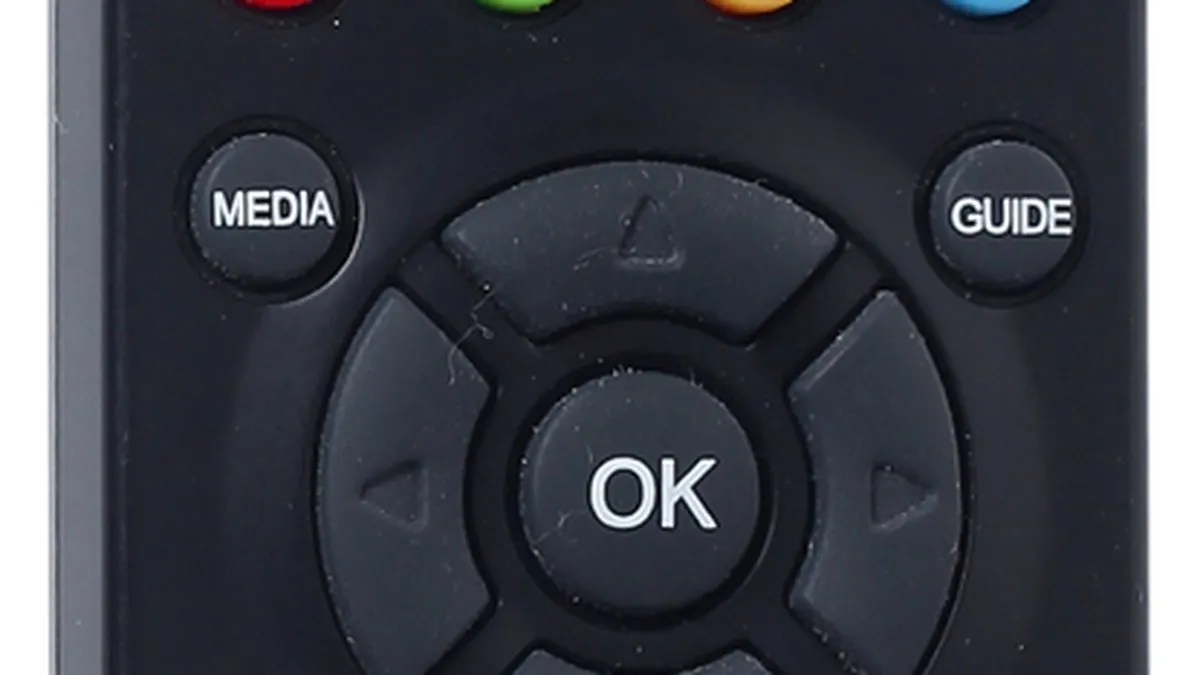
A quick tip for everyone who loves Taskmaster or Red Dwarf on UKTV Play.. there's a way to dramatically cut down the adverts you need to sit through per break.
Frequently asked questions
- can you remove ads from UKTV Play
- No, there is no official way to completely remove ads from UKTV Play as of May 2026, since the service is ad-supported and has no premium subscription tier. However, a workaround shared on the Samsung Community forum can dramatically reduce the number of adverts you sit through per break. The method was demonstrated on a Samsung Q9FN Smart TV and may work on other devices, though this hasn't been officially confirmed.
- how to get rid of adverts on UKTV Play
- A YouTube video titled 'How to remove ads from UKTV Play - Taskmaster' demonstrates a workaround that reduces ads per break, recorded on a Samsung Q9FN Smart TV. The technique was shared by a user on the Samsung Community forum and appears to work specifically for reducing ad frequency rather than eliminating ads entirely. Try the method if you own a Samsung Smart TV, though results on other devices haven't been officially confirmed.
- is there a paid version of UKTV Play without ads
- No, UKTV Play does not offer a paid subscription tier that removes adverts. Unlike ITVX Premium or Channel 4 Streaming, which have ad-free paid options, UKTV Play relies entirely on advertising revenue and has no premium alternative available.
- does UKTV Play ad reduction work on Samsung TV
- Yes, a workaround to reduce ads on UKTV Play was specifically demonstrated on a Samsung Q9FN Smart TV. The method was shared on the Samsung Community forum and is worth trying if you own a Samsung Smart TV and regularly watch shows like Taskmaster or Red Dwarf.
- can you turn off ads in UKTV Play settings
- No, you cannot switch off ads through any setting in the UKTV Play app. The only option available is a workaround shared on the Samsung Community forum that reduces the number of adverts per break rather than disabling them completely.
Was this article useful?
Thanks — your feedback was recorded.
Sources
- How to remove ads from UKTV Play - Taskmaster - YouTube (www.youtube.com)
- Tip for UKTV Play - Reduce the amount of ads you need to sit though :) - Samsung Community (eu.community.samsung.com)
Comments
0 comments
Loading comments…