O2 order replacement sim online
You can order a replacement O2 SIM card online through your O2 account, without visiting a store. The process differs depending on whether you have a personal O2 account or an O2 Business account. If your SIM came bundled with a Virgin Media package, there is a separate route to follow.
How do O2 Business customers order a replacement SIM online?
O2 Business customers have a clear self-service option. Sign in to the My O2 Business portal at o2.co.uk, then go to 'My Account'. From there, select 'Manage devices', then choose 'SIM swap'. You will be asked to select the specific mobile number that needs the replacement, so have that to hand before you start.
If you manage multiple lines, the SIM swap screen lists each number separately, so you can target just the one you need without affecting other lines on the account.
What if you have a personal O2 account?
Personal O2 customers can log in to My O2 at my.o2.co.uk to manage their account. From the account dashboard, look for SIM-related options under your active plan. If the self-service SIM swap option is not visible, O2's live chat (accessible from the same portal) can raise a replacement order without a store visit. Having your account PIN ready speeds this up considerably.
What if your O2 SIM came as part of a Virgin Media bundle?
This is where things get slightly awkward. Some Virgin Media packages include an O2 SIM, and the associated mobile number is not always obvious to the customer.
If you are in this situation, contact Virgin Media directly rather than O2. Virgin Media handles billing and account management for these bundled SIMs, and their support team can identify the number tied to your package and initiate the replacement. You can reach them via the My Virgin Media app or by calling 150 from a Virgin Media landline.
What to do if you do not know your O2 number
If your SIM is lost and you cannot remember the number, check any old bills, confirmation emails, or the original welcome letter from O2 or Virgin Media. Alternatively, anyone who has called or texted you recently will have the number stored in their phone. Once you have the number, the replacement process via the online portal or live chat is straightforward.
What happens to your plan during a SIM swap?
Your existing plan, allowances, and phone number carry over to the replacement SIM. The old SIM is deactivated once the new one is activated. There is no need to set up a new contract or re-select a tariff.
Can you get a replacement in-store instead?
Yes. Any O2 store can issue a replacement on the spot, and you will need a valid photo ID. This is a useful fallback if you cannot access your online account or have forgotten your login credentials. Use the store finder at o2.co.uk to locate your nearest branch.
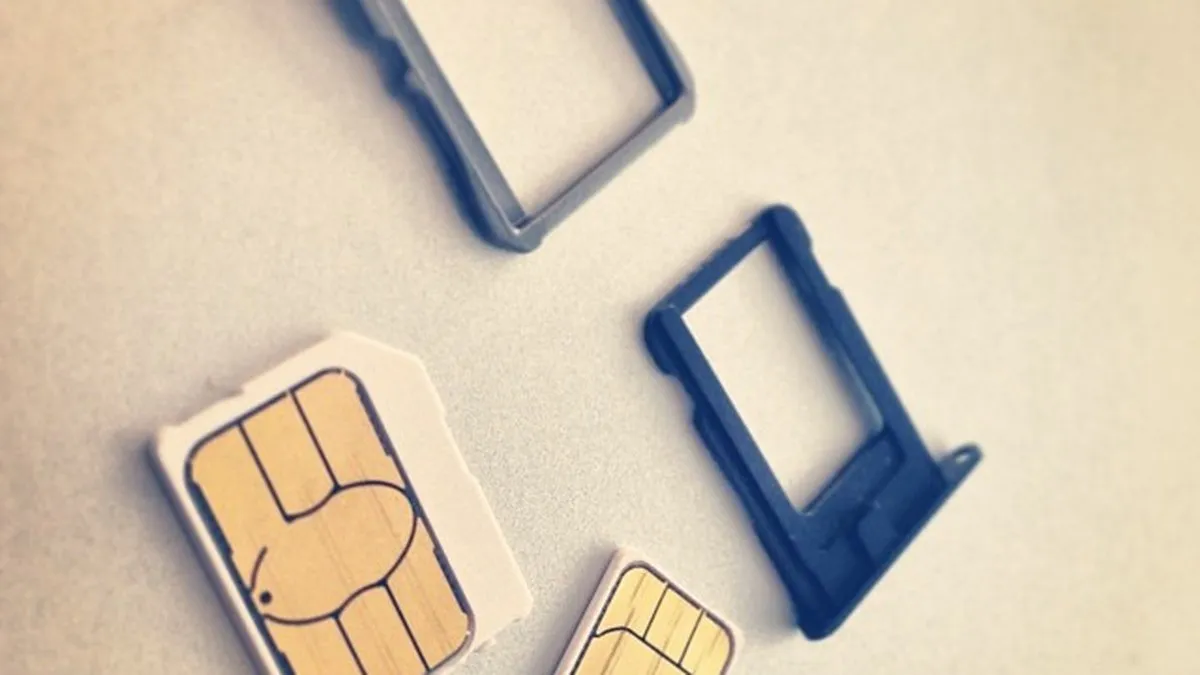
I have an O2 sim card as part of my package but I have lost the sim card. How do I order a new one? I do not know the number associated with the O2 sim as it's
Frequently asked questions
- how do I order a replacement O2 SIM card online
- You can order a replacement O2 SIM through your online account without visiting a store. O2 Business customers should sign in to My O2 Business at o2.co.uk, go to 'My Account', then select 'Manage devices' and 'SIM swap'. Personal O2 customers can log in to My O2 at my.o2.co.uk and look for SIM options under their active plan, or use live chat if self-service isn't available.
- where do I find SIM swap option in My O2 Business
- In My O2 Business, go to 'My Account', then select 'Manage devices' and choose 'SIM swap'. You'll need to select the specific mobile number that needs the replacement during the process.
- can I order replacement SIM if I don't know my O2 number
- If your O2 SIM came as part of a Virgin Media package and you don't know the associated number, you'll need to follow a separate route through Virgin Media rather than ordering directly from O2. Contact Virgin Media support to request the replacement SIM through your bundle account.
- how long does O2 replacement SIM take to arrive
- The article does not specify delivery timescales for O2 replacement SIMs ordered online. Contact O2 directly through My O2 live chat or customer service for current delivery estimates.
- do I need my account PIN to order replacement O2 SIM
- Having your account PIN ready can speed up the process, particularly if you're using O2 live chat to raise a replacement order. It's not always required for self-service SIM swap options, but it's helpful to have on hand.
Was this article useful?
Thanks — your feedback was recorded.
Sources
- Swapping your SIM | Help & Support | O2 Business (www.o2.co.uk)
- Replacement O2 sim card | Virgin Media Community - 5587832 (community.virginmedia.com)
Comments
0 comments
Loading comments…