Why is my new Vodafone sim not working? Here's the fix!
A new Vodafone SIM that refuses to work usually has one of four causes: it is seated incorrectly, the phone is locked to another network, the SIM needs activation, or the card itself is faulty. Run through the steps below in order and you will almost certainly find the fix before needing to call anyone.
Is the SIM properly seated in the tray?
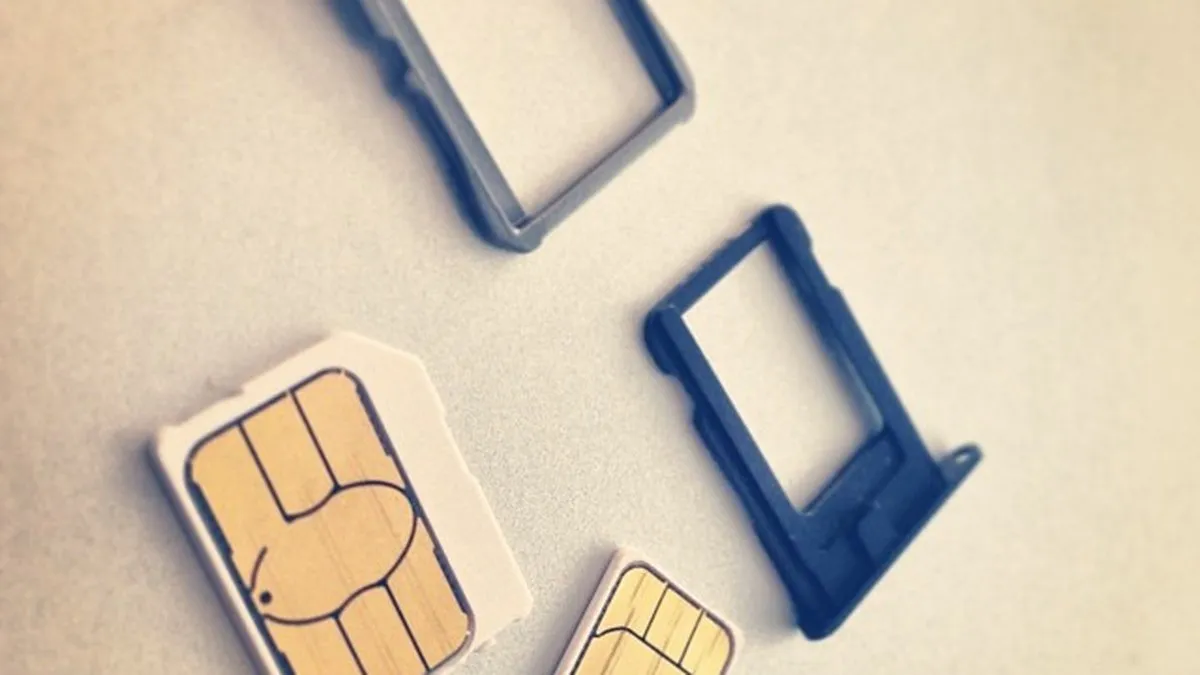
Start with the obvious. Power the phone off completely, remove the SIM tray, and take the SIM out. Vodafone's UK support centre specifically recommends wiping the gold contacts with a clean, dry, non-abrasive cloth before re-inserting the card. Dust or fingerprint grease on those contacts is enough to prevent the phone from reading the SIM at all. Once you have wiped it, reseat the card carefully, replace the tray, and power back on.
Have you restarted the phone?
Vodafone's own support team lists a full restart as the first troubleshooting step when no SIM is detected. Not sleep mode. A full power-off and back on. This clears the baseband radio state and forces the phone to re-read the SIM slot. It fixes the problem more often than it should.
Is your phone locked to a different network?
This is the most common reason a SIM appears to work physically but shows no service. Vodafone's official support page confirms that a new SIM will not work if the handset is locked to a different network. If you bought the phone from EE, O2, or any other carrier without unlocking it, a Vodafone SIM simply cannot register on the network. Contact your previous network to request an unlock code, or check whether your handset is already unlocked by inserting a SIM from a different provider and seeing whether it registers. Many phones bought outright from manufacturers like Apple or Samsung are unlocked from the factory.
Does the SIM work in a different phone?
Vodafone's support centre suggests trying the SIM in a second device to isolate whether the fault is with the SIM or the handset. If the SIM works in another phone, the problem is with your device, not the card. If it fails in both phones, the SIM is likely faulty or not yet activated.
Has the SIM actually been activated?
A brand-new SIM is not always live the moment you open the packet. Vodafone Ireland's support page directs users to log in to My Vodafone to activate a new SIM, and the UK process works similarly through the My Vodafone app or online account portal. If you received the SIM through the post as part of a new contract, activation sometimes takes up to 24 hours from the point Vodafone processes your order. Check your email for a confirmation, and if you are past the 24-hour mark with no service, contact Vodafone directly.
Did the problem start after switching phones or a repair?
A Reddit thread on r/Vodafone documented exactly this scenario: a SIM stopped working after a phone change, and the fix required a visit to a Vodafone store. JustAnswer similarly advises anyone with SIM issues following a screen repair to visit a Vodafone store in person, bringing photo ID, and requesting a SIM swap. Store staff can issue a replacement SIM on the spot and transfer your number across immediately.
Still not working? Here is what to do next
Call Vodafone customer service on 191 (free from a Vodafone mobile) or 03333 040 191 from any other phone. If you prefer face-to-face help, any Vodafone store can run diagnostics, replace a faulty SIM at no charge, and check whether your account is fully active. Bring the original packaging if you have it, as the SIM serial number (ICCID) printed on the card sleeve can help the team trace the issue faster.
Frequently asked questions
- why is my new Vodafone SIM not working
- A new Vodafone SIM usually fails to work due to incorrect seating, network locking, lack of activation, or a faulty card. Start by powering off your phone completely, removing the SIM tray, and wiping the gold contacts with a clean, dry cloth to remove dust or grease. Then reseat the card carefully, replace the tray, and power back on.
- how do I activate a new Vodafone SIM card
- You can activate your new Vodafone SIM by logging into or registering for My Vodafone through the Vodafone website or app. If you're unable to activate online, visit any Vodafone store with photo ID and staff can complete the activation for you.
- Vodafone SIM card not detected what should I do
- Vodafone's support team recommends a full restart as the first troubleshooting step when no SIM is detected-not sleep mode, but a complete power-off and back on. This clears the baseband radio state and forces your phone to re-read the SIM slot, which resolves the issue in most cases.
- can I use Vodafone SIM in phone locked to another network
- No, Vodafone's official support confirms that a new SIM will not work if your handset is locked to a different network such as EE or O2. You'll need to unlock your phone with your original provider before the Vodafone SIM will function.
- how do I know if my Vodafone SIM or phone is faulty
- Try inserting your new Vodafone SIM into another device to determine whether the fault lies with the SIM or your handset. If the SIM works in another phone, your device is the problem; if it doesn't work in any phone, the SIM card is faulty and you should visit a Vodafone store for a replacement.
Was this article useful?
Thanks — your feedback was recorded.
Sources
- Need to activate your new SIM? Find out how here | Vodafone (n.vodafone.ie)
- My SIM card doesn't work : r/Vodafone - Reddit (www.reddit.com)
- Vodafone Support Centre (www.vodafone.co.uk)
- I got my screen fixed and put my vodaphone SIM card In and (www.justanswer.co.uk)
- Vodafone Support Centre (www.vodafone.co.uk)
Comments
0 comments
Loading comments…