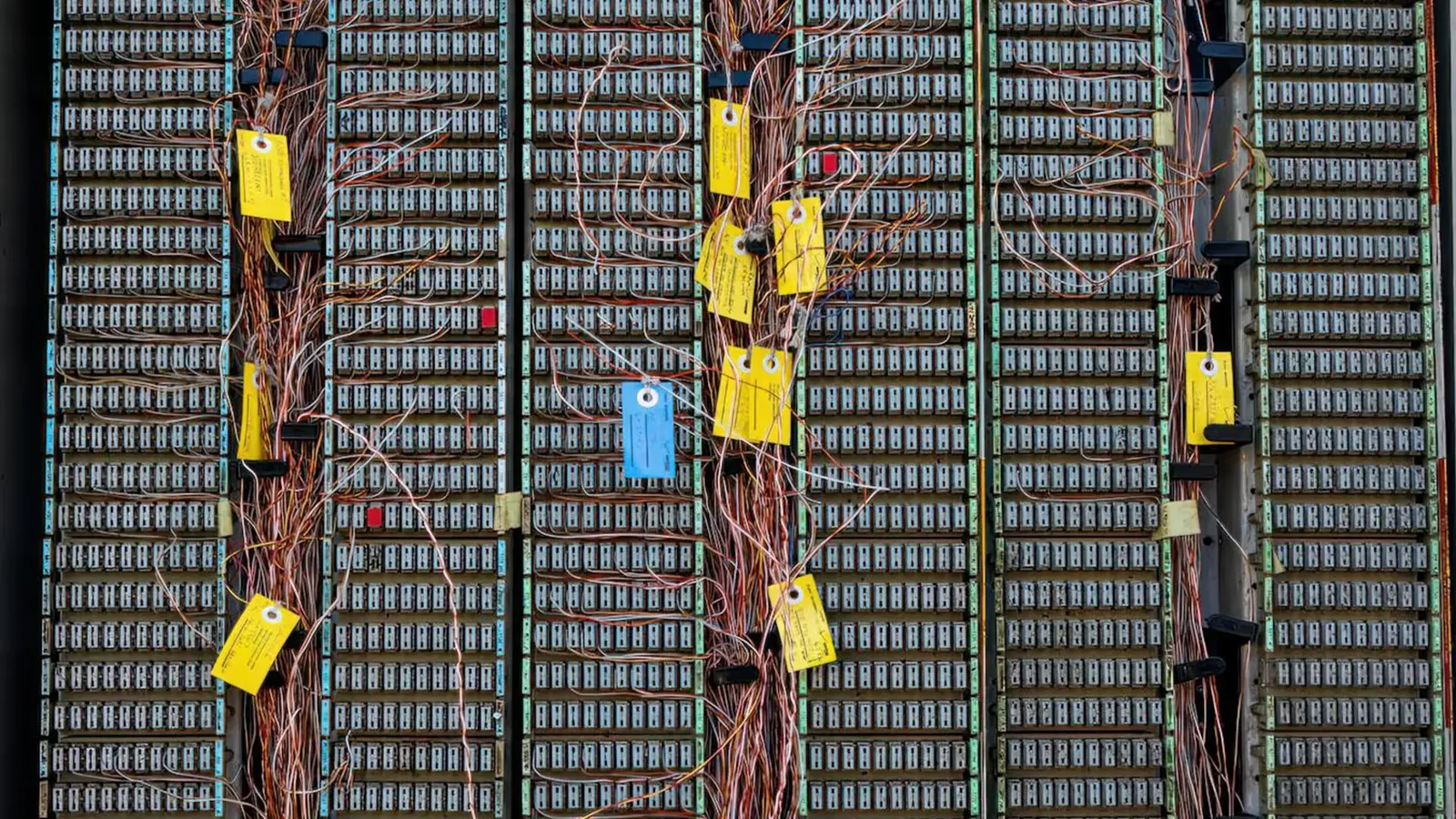
Virgin Media assigns each customer account an internal area reference code, a short numeric identifier that appears on bills and contract paperwork. This code is not a telephone dialling code; it is an administrative reference Virgin Media uses to route your account within their network systems. Most customers never need to think about it until a support agent asks for it during a service call or installation query.
The code is typically one or two digits. One customer on the r/VirginMedia Reddit community reported theirs as 31, while others have seen codes in the 20s and 40s. Virgin Media does not publish a public directory linking these numbers to specific postcodes or regions, so the code itself tells you nothing about your location without access to Virgin Media's internal database.
Why Virgin Media uses area reference codes
These codes help Virgin Media organise accounts by the local network hub that serves your property. When you call customer service about a technical fault, the agent may ask for your area code to route your case to the correct regional engineering team. The code also appears on work orders and engineer appointment confirmations, allowing field technicians to identify which exchange or cabinet your service runs through.
Because Virgin Media's cable network is geographically segmented, an area code speeds up troubleshooting. If multiple customers in area 31 report an outage, for example, Virgin Media can quickly identify a shared infrastructure problem rather than treating each case as isolated.
Four places to locate your area reference code
Your monthly bill. The code appears near the top of Virgin Media bills, usually in the account summary section alongside your account number and service address. Paper bills and PDF bills downloaded from MyVirginMedia both display it.
MyVirginMedia online account. Log in at virginmedia.com and navigate to "My Account" or "Account Settings." The area reference code is listed under account details, often labelled simply as "Area Code" or "Area Ref."
Your original contract documents. When you first signed up, Virgin Media sent a welcome pack by post or email. A Virgin Media support moderator confirmed on the official Virgin Media Community forum: "This is usually printed on your contract documents as well as your welcome email from us." If you kept the welcome email, search your inbox for "Virgin Media" and "welcome" to retrieve it.
Engineer appointment letters. If you have had a technician visit scheduled, the appointment confirmation letter or email includes your area code. This helps the engineer prepare the correct equipment for your local network configuration before arriving.
What to do if you cannot find the code
Start with your email. Most customers still have their Virgin Media welcome email, and it takes seconds to search. If that fails, logging into MyVirginMedia is faster than waiting on hold with customer service. Your account dashboard displays the code without needing to speak to anyone.
Paper bills are the slowest option but work if you file them. Check the most recent bill first, since Virgin Media occasionally reformats billing layouts and older bills may place the code in a different position.
If none of these routes work, call Virgin Media on 150 from a Virgin landline or 0345 454 1111 from any phone. The automated system will ask for your account number, then connect you to an agent who can read your area code from their screen. This call typically takes under five minutes outside peak hours.
Common questions about Virgin Media area codes
Does the area code change if you move house? Yes, if your new address is served by a different Virgin Media network hub. Your account number stays the same, but the area reference code updates to reflect the new local infrastructure. Virgin Media handles this automatically during the home-move process.
Can you look up someone else's area code? No. Virgin Media treats area codes as account-specific information. You need to be the account holder or an authorised contact to access it, either online or by phone.
Is the area code the same as a dialling code? No. UK geographic dialling codes (like 020 for London or 0161 for Manchester) are public telephone prefixes managed by Ofcom. Virgin Media area codes are internal administrative references with no connection to the telephone network.
Why do some Virgin Media customers never see their area code? If you manage everything through the MyVirginMedia app and never call customer service, you may never notice the code exists. It becomes relevant only when Virgin Media needs to route a technical query or when you are arranging an engineer visit.
When you will be asked for your area code
Customer service agents request it during fault reports, particularly for intermittent connection problems that may affect multiple properties in your area. Engineers may ask for it when scheduling complex installations, such as running new cable to a property that previously had no Virgin Media service. In both cases, the code helps Virgin Media pull up the correct local network diagrams and equipment inventory.
You will not need the area code for routine tasks like paying your bill, upgrading your package, or checking your data usage. It is strictly a behind-the-scenes reference for technical and logistical purposes.
Comments
0 comments
Loading comments…