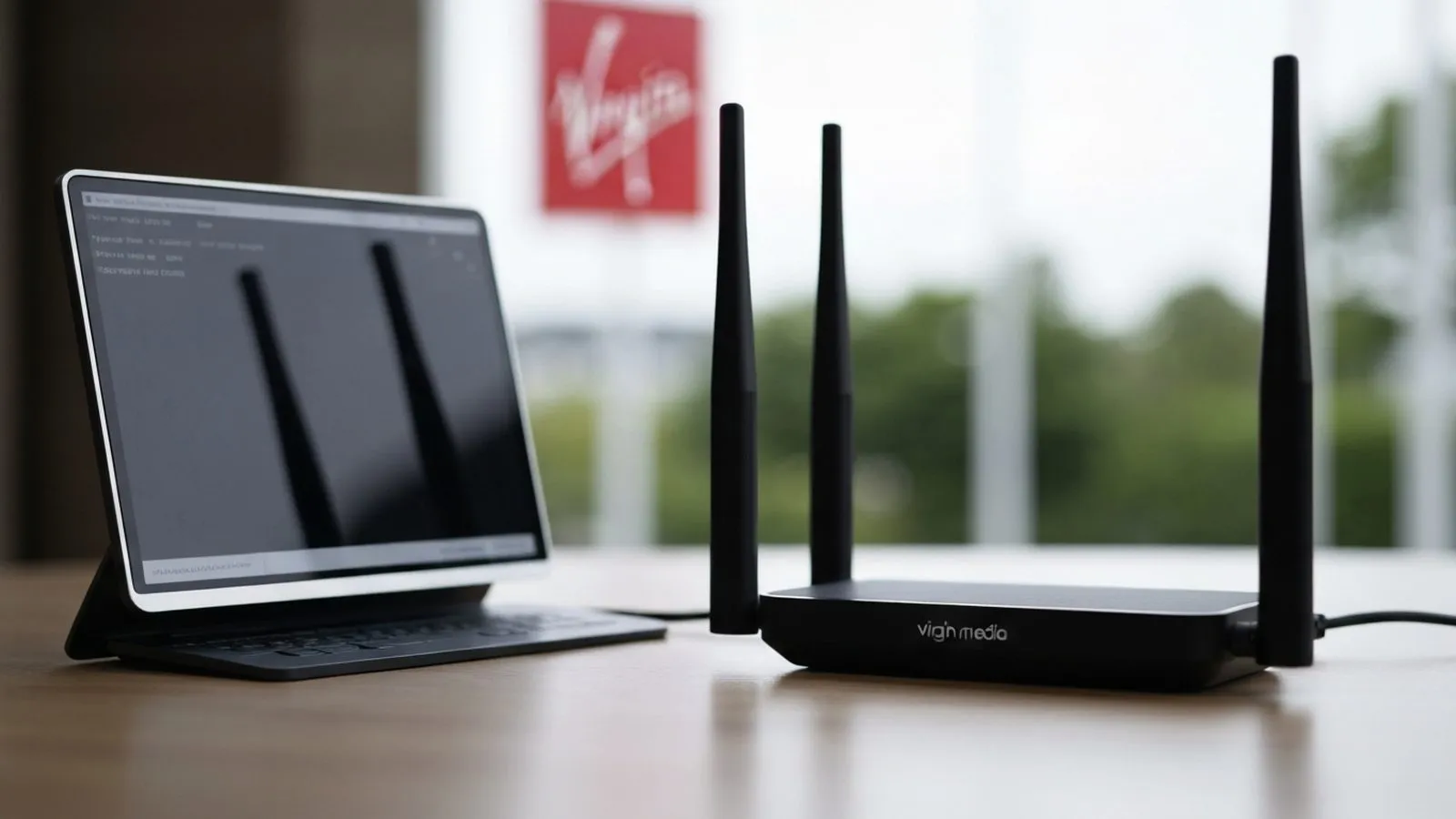
While the Virgin Media Hub 5 does not include a traditional printed manual, setting it up is a straightforward process using the provided QuickStart kit. All the necessary components for getting your broadband service online are included in the box, and the installation can typically be completed in under 30 minutes.
What’s in the Hub 5 QuickStart kit?
When you receive your QuickStart kit from Virgin Media, it is important to verify its contents before beginning the installation. The box should contain all the equipment you need to get connected.
- The Hub 5 router
- A power cable (also called a power supply unit or PSU)
- A white coaxial cable to connect the Hub to the wall socket
- An ethernet cable (optional, for wired connections)
If any of these items are missing, you should contact Virgin Media for assistance before proceeding.
How to set up the Virgin Media Hub 5
For the best WiFi performance, place the Hub 5 in an upright position in a central location in your home, ideally on a hard surface and away from other electronic devices that could cause interference. Once you have found a suitable spot, follow these steps:
- Firmly screw one end of the white coaxial cable into the port on the back of the Hub 5.
- Connect the other end of the white cable to the Virgin Media wall socket.
- Plug the power cable into the back of the Hub 5 and connect the other end to a mains power socket.
- Switch the Hub on at the back and at the mains socket. The Hub will begin its startup sequence, which can take up to 30 minutes as it may need to download software updates.
- Wait for the light on the front of the Hub to turn solid white. This indicates that the Hub is fully booted and connected to the network.
- Find the WiFi network name (SSID) and password printed on the sticker on the bottom of the Hub 5.
- On your computer, phone, or other device, search for available WiFi networks and select the one that matches the name on your Hub. Enter the password to connect.
- Once connected, it is recommended to download the Virgin Media Connect app. The app provides tools to manage your network, test speeds, and complete the activation process.
Understanding the Hub 5 status lights
The light on the front of your Hub 5 indicates its operational status. Understanding what the different colours mean can help you troubleshoot any potential issues.
- Solid White: Everything is working correctly, and your Hub is connected to the internet.
- Flashing White: The Hub is booting up or connecting to the network.
- Flashing Green: The Hub is downloading a software update. This process may take a few minutes, after which it will reboot.
- Flashing Blue: The Hub is in WPS (Wi-Fi Protected Setup) mode, attempting to pair with a device. This can also indicate the Hub is trying to establish an internet connection.
- Solid Red or Flashing Red: This indicates a problem with your connection. You should check that all cables are securely connected to both the Hub and the wall socket. If the issue persists, you may need to contact Virgin Media support.
Managing your Hub 5 with the Connect app
The Virgin Media Connect app is a key tool for managing your home network. It is available for both iOS and Android devices and works with the Hub 3, 4, and 5. Key features include:
- Home WiFi Scan: Test your WiFi signal strength in different rooms to identify and fix any weak spots.
- Device Management: See a list of all devices connected to your network and pause WiFi access to individual devices.
- Hub Reboot: Remotely restart your Hub without needing to physically access it.
- Settings Management: Change your WiFi network name and password directly from the app.
- Guest WiFi: Create a separate, secure network for visitors, and share access easily via a QR code.
Accessing advanced settings
For more advanced configuration, you can access the Hub 5’s web-based admin panel. To do this, connect a device to your network via WiFi or an ethernet cable, open a web browser, and follow these steps:
- Type 192.168.0.1 into your browser's address bar and press Enter.
- You will be prompted for a password. This is the 'settings password' which is printed on the sticker on the bottom of your Hub, not to be confused with your WiFi password.
- Once logged in, you can access advanced options such as security settings, port forwarding, and changing the WiFi broadcast channels.
If you have enabled 'modem mode' to use your own third-party router, the IP address to access the settings changes to 192.168.100.1.
Hub 5 technical specifications
The Hub 5 is Virgin Media's most advanced router, supplied with faster broadband packages like Gig1. It is designed to support the demands of modern connected homes.
- WiFi Standard: Wi-Fi 6 (802.11ax) for faster speeds, lower latency, and better performance in homes with many connected devices.
- Antennas: Seven internal antennas for improved signal coverage.
- Ethernet Ports: One 2.5Gbps port and three 1Gbps ports for high-speed wired connections.
- Security: Supports the latest WPA3 security standard.
- Eco-Friendly Design: The Hub 5's casing is made from 100% post-consumer recycled plastic.
Upgrading and returning old equipment
If you are upgrading from an older Hub, Virgin Media requires you to return the old equipment. The company aims to refurbish and reuse returned items to reduce waste. You can return old or unwanted kit for free using prepaid packaging and services available on their website. This helps to ensure that electronic waste is disposed of correctly and reduces environmental impact.

Comments
0 comments
Loading comments…